Connect Transkript is now live in the onOffice Marketplace

It's official: we are now a partner in the onOffice Marketplace!
We have worked towards this for a long time and are thrilled. Connect Transkript is now available there for everyone who works with onOffice and makes calls through NFON Cloudya. Your call notes now write themselves.
From phone call to task in onOffice
Connect Transkript automatically turns phone calls into structured knowledge and concrete tasks in onOffice.
At the start of every call, you decide whether you want the conversation transcribed.
The call summary is saved directly as an activity in the notes field of the relevant contact. If Connect Transkript detects a task during the call, it is created automatically in onOffice.
That saves you two manual steps and gives you valuable time back in your working day.
A quick calculation
Say updating a record after a call takes five minutes. With just one such call a day and around 20 working days, that adds up to 100 minutes a month. If you talk to prospects, owners or tenants several times a day, you save correspondingly more.
Connect Transkript in two videos
The first video follows a call from NFON Cloudya into onOffice. The second walks through using the service in the onOffice Marketplace step by step. Both videos are in German.
Requirements
The service works with contacts that are fully set up in onOffice, in combination with an NFON phone system (Cloudya).
Ready in three steps
- Activate
- Book and connect to your Cloudya extension
- Done – get started
Personal support
From implementation to day-to-day operation, we are there for you personally. As an NFON development partner, we build and maintain the Connect for onOffice communication platform, backed by more than 45 years of project experience.
Work digitally with confidence – secure and GDPR-compliant.
FAQ on Connect Transkript
Is every call transcribed automatically?
No. At the start of every call, you decide whether you want the conversation transcribed.
Where does the call summary go?
It is saved as an activity in the contact's notes field in onOffice. Agreed tasks are also created as tasks in onOffice.
What are the requirements?
An NFON phone system (Cloudya) and contacts that are fully set up in onOffice.
Get Connect Transkript set up
You use onOffice and make calls via NFON Cloudya? We check the requirements with you and set up the service.
Request a consultationMore articles
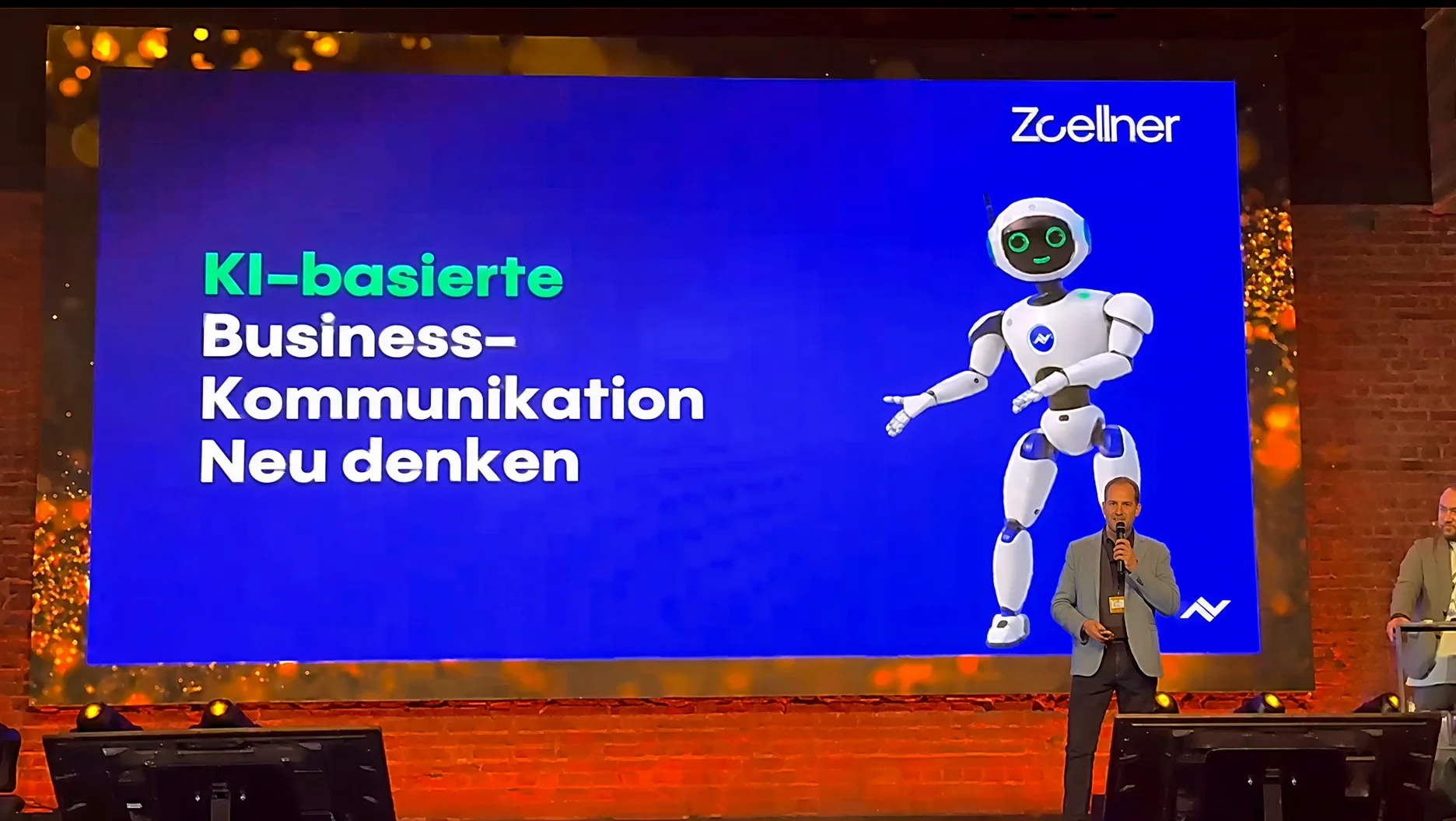
Recap: onOffice business-beats 2026 in Aachen
How our voicebot works with onOffice enterprise and timum to answer calls and write appointments into the agent software.

NFON Intelligent Assistant: turning calls into CRM knowledge
Transcript, summary and tasks are passed to CRM fields in a controlled way.