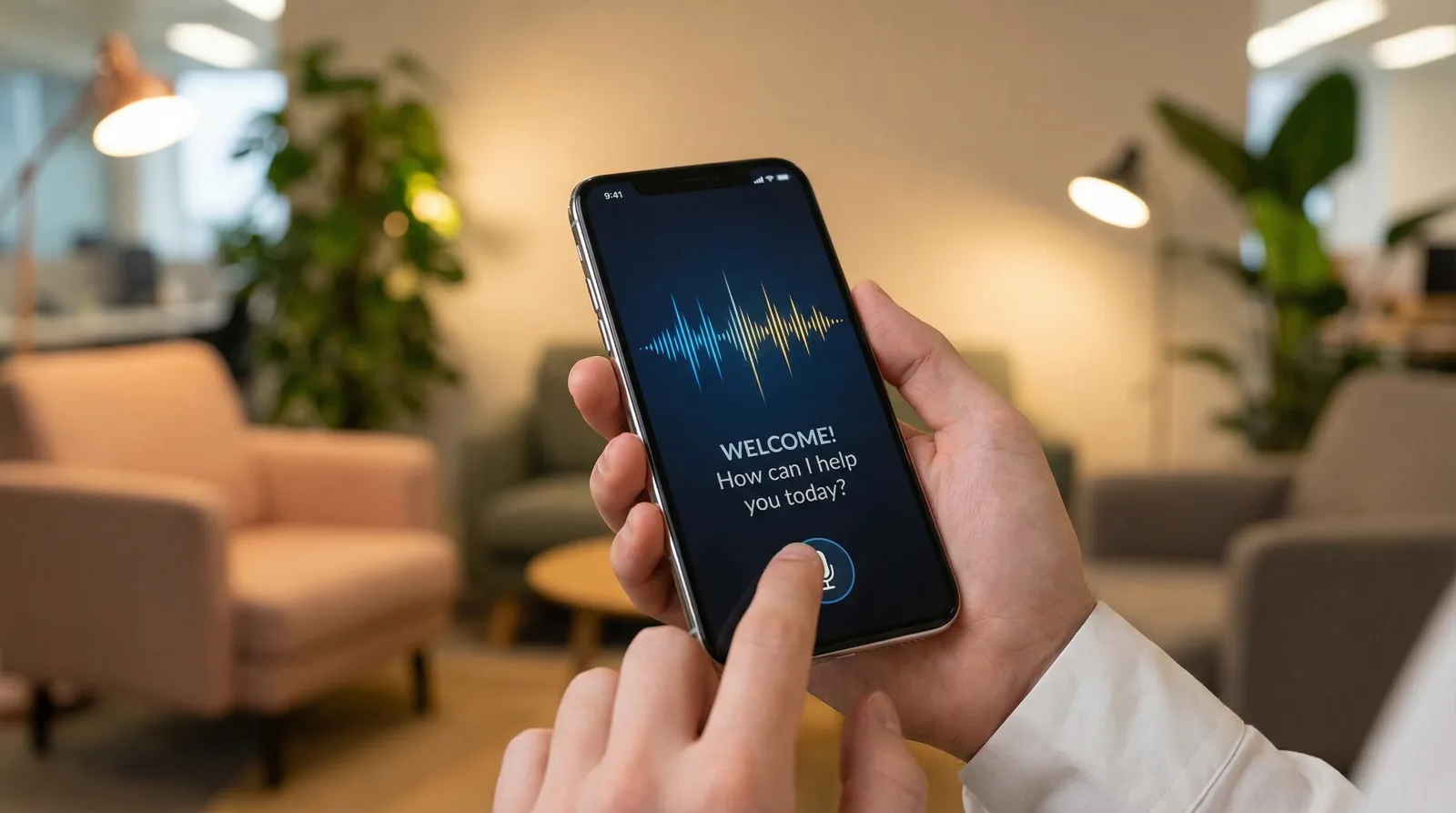
The first seconds of a call decide whether a caller hangs up in frustration or stays well disposed. With voicebots that first impression matters even more – there is no second chance. This article sets out five proven strategies for greetings that win callers over.
Tip 1: short and to the point – no essays
Poor
“Good day and a warm welcome to Mustermann GmbH, your partner for innovative solutions in digital transformation. My name is Lisa, your virtual assistant. I am here to help you with any request. Please bear with me for a moment while I process your enquiry…”
Good
“Hello, this is Lisa at Mustermann. How can I help you?”
Why it works: callers want to get to the point. Every second spent on unnecessary information raises the drop-off rate. Studies show that greetings longer than 10 seconds lead to 30% more hang-ups.
Tip 2: be transparent – say that you are a bot
Many companies try to make their voicebot sound as human as possible. That is a mistake. Customers notice anyway that they are talking to a bot – and feel deceived if you hide it.
Recommended phrasings
- ✓ “Hello, I am your digital assistant. How can I help you?”
- ✓ “Hello, this is the voicebot at [company]. What can I do for you?”
- ✓ “Welcome. I am an automated assistant and happy to answer your questions.”
Important: always offer the option of being put through to a person. A simple addition such as “say ‘agent’ at any time if you would like to speak to a human” builds trust.
Tip 3: use context – personalise the greeting
Modern voicebots can access context: the phone number, previous calls, open appointments or orders. Use that data to personalise the greeting.
Example 1: a returning caller
“Hello Mr Müller, good to hear from you again. Is this about your appointment on Thursday, or something else?”
Example 2: an open order
“Hello. I can see you have placed an order with us. Would you like a status update, or can I help with something else?”
Example 3: outside office hours
“Good evening. Our team is not available right now, but I can help you or take a message.”
Personalisation shows callers that you know them and value their time. It measurably increases satisfaction.
Tip 4: communicate options clearly – but not all at once
A classic mistake: the bot reels off five options and by the third the caller has forgotten the first.
Too many options
“Say ‘appointment’ to book an appointment, ‘cancellation’ to cancel one, ‘opening hours’ to hear our opening hours, ‘address’ to hear our address, or ‘agent’ to be put through to a member of staff.”
Better: an open question
“How can I help you? You can book an appointment or ask about our services, for example.”
Pro tip: use natural language processing so callers can speak freely. Instead of “say ‘appointment’”, allow phrasings such as “I need an appointment”, “could I come by tomorrow?” or “when are you free?”
Tip 5: voice and tone – the difference between robot and assistant
The voice of your bot matters as much as the script. Modern text-to-speech systems offer remarkably natural voices – use them.
Checklist for the right voice
- Gender and age: choose a voice that fits your audience
- Speaking rate: not too fast – 140 to 160 words per minute is ideal
- Emphasis: stress the important words (“how can I help you?”)
- Pauses: short pauses after questions give the caller time to think
- Tone: friendly but professional – not overly enthusiastic
Test several voices: let colleagues and test customers listen to a few variants. What sounds natural to you may seem robotic to someone else – and the other way round.
Bonus tip: keep optimising
The perfect greeting does not appear overnight. Review your call data regularly:
- How many callers hang up in the first 10 seconds?
- Which phrasings lead to misunderstandings?
- How often do callers ask for an agent without trying the bot?
- Are there times of day or call reasons with higher drop-off rates?
Use these findings to improve the greeting step by step. A/B tests help compare variants and pick the best one.
Summary: the perfect greeting in five steps
-
1
Short and clear: ten seconds at most, no unnecessary detail
-
2
Transparent: say plainly that this is a bot
-
3
Personalised: use context for individual greetings
-
4
Well structured: open questions instead of endless option lists
-
5
A natural voice: invest in good text-to-speech technology
With these five tips you create a greeting that delights callers rather than frustrating them. First impressions count – make yours a good one.